measureQuick connects into Fieldstone to synchronize customers, sites, equipment, and projects. Use measureQuick to enable or disable the synchronization feature. Use Fieldstone to disable measureQuick features in Fieldstone and/or revoke measureQuick API access.
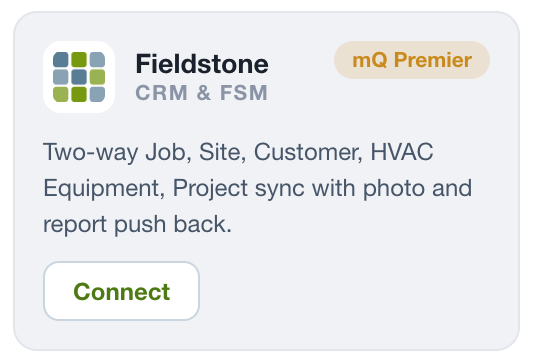
When the connection is active, the Fieldstone card shows Connected.
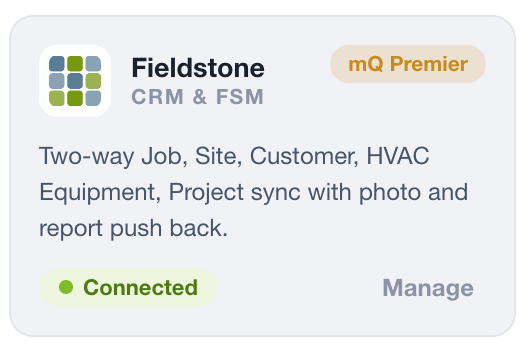
Connecting enables measureQuick in Fieldstone and starts sync. Customers, sites, equipment, and projects can then sync into Fieldstone.
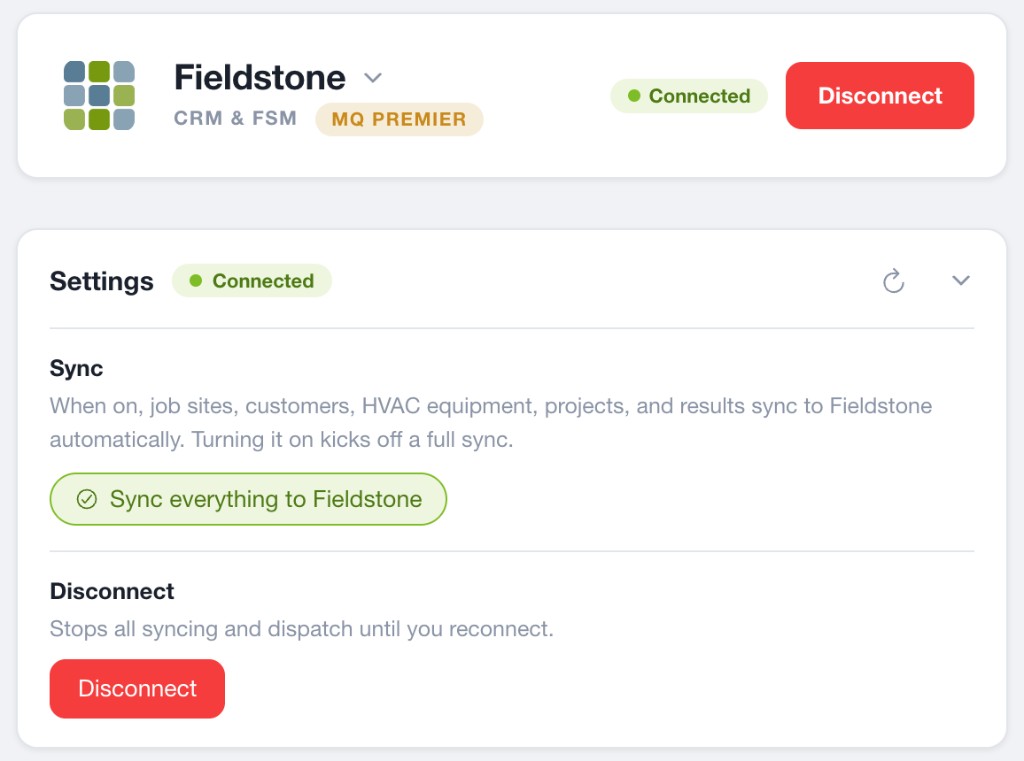
Disconnecting turns the integration off. It does not hide measureQuick in the Fieldstone app. To hide those features, also disable measureQuick in Fieldstone company settings.
In Fieldstone company settings, use the measureQuick switch. Turn it on to show measureQuick in the app. Turn it off to hide those features.
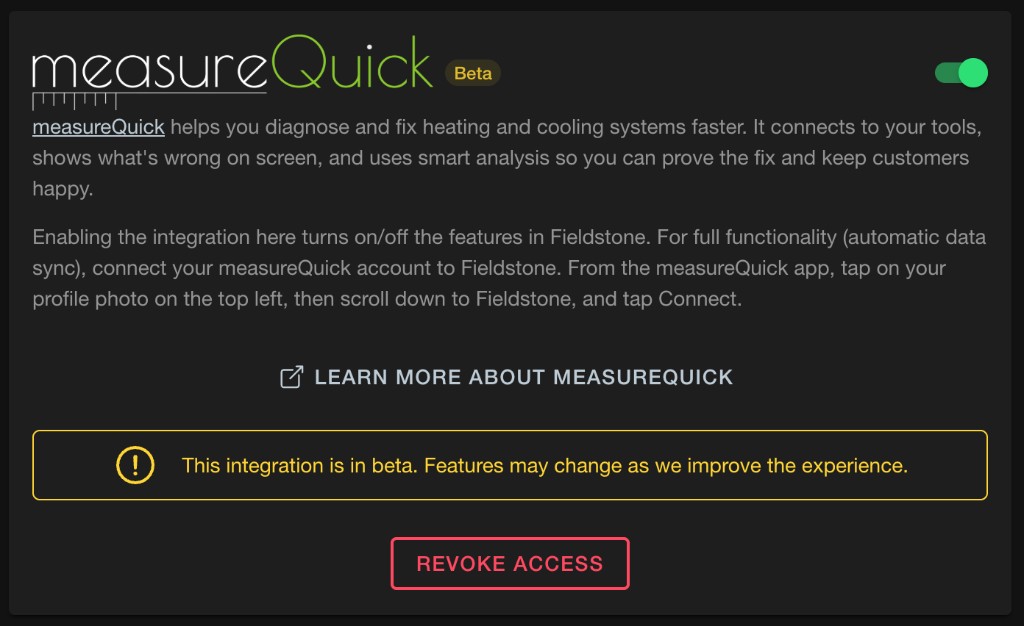
Turning the switch off does not stop sync, and projects already stored in Fieldstone stay. It also does not disconnect Fieldstone inside measureQuick.
The measureQuick settings card in Fieldstone includes an option to revoke API access. Someone who can manage company settings can use it.
Revoking API access stops measureQuick from calling Fieldstone. It does not turn the company setting off, and it does not disconnect Fieldstone inside measureQuick. To turn the integration off, disconnect from measureQuick. To hide the features, disable measureQuick in company settings.
