

Callbacks happen when the next tech does not see what was found. Fieldstone is the first HVAC field service platform with a deep measureQuick integration, so diagnostics stay with the job.
See the integration in your shop. Start free or book a walkthrough.
measureQuick captures the hard diagnostic work. When those results live only in one place, the next visit starts cold and the homeowner hears a different story than the last tech told.
Link accounts, send projects App2App, and keep measureQuick results on the Fieldstone job. Open projects back in measureQuick when you need the full diagnostic view.
Note: Fieldstone must be enabled on your measureQuick account during onboarding.
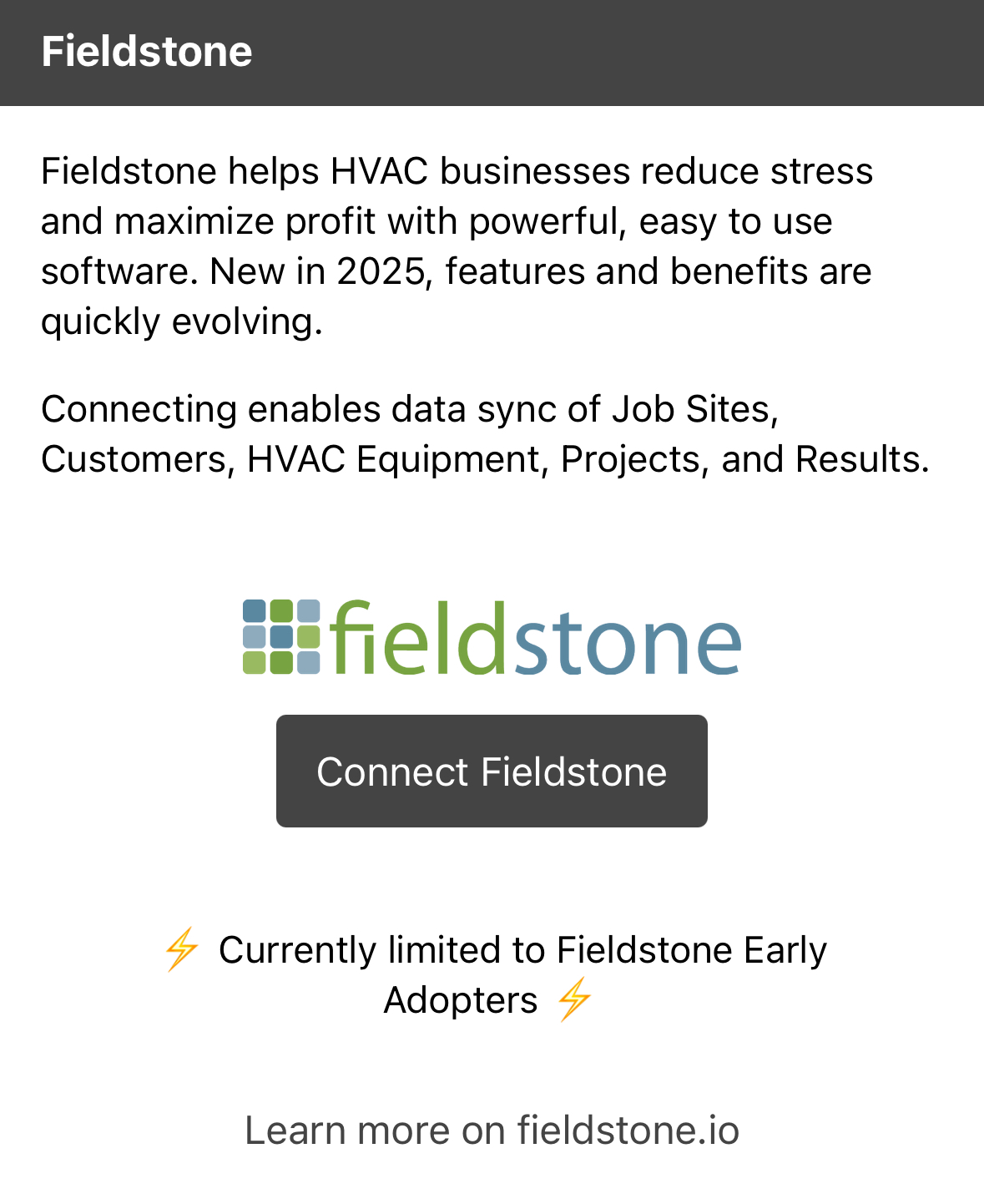
As an account owner, open the measureQuick app and tap the top-left icon that shows your user account information. Scroll below the View measureQuick.com button to the Fieldstone section.
Tap Connect Fieldstone. It opens the Fieldstone app so you can approve the connection. To disconnect later, return to the same place and tap disconnect.
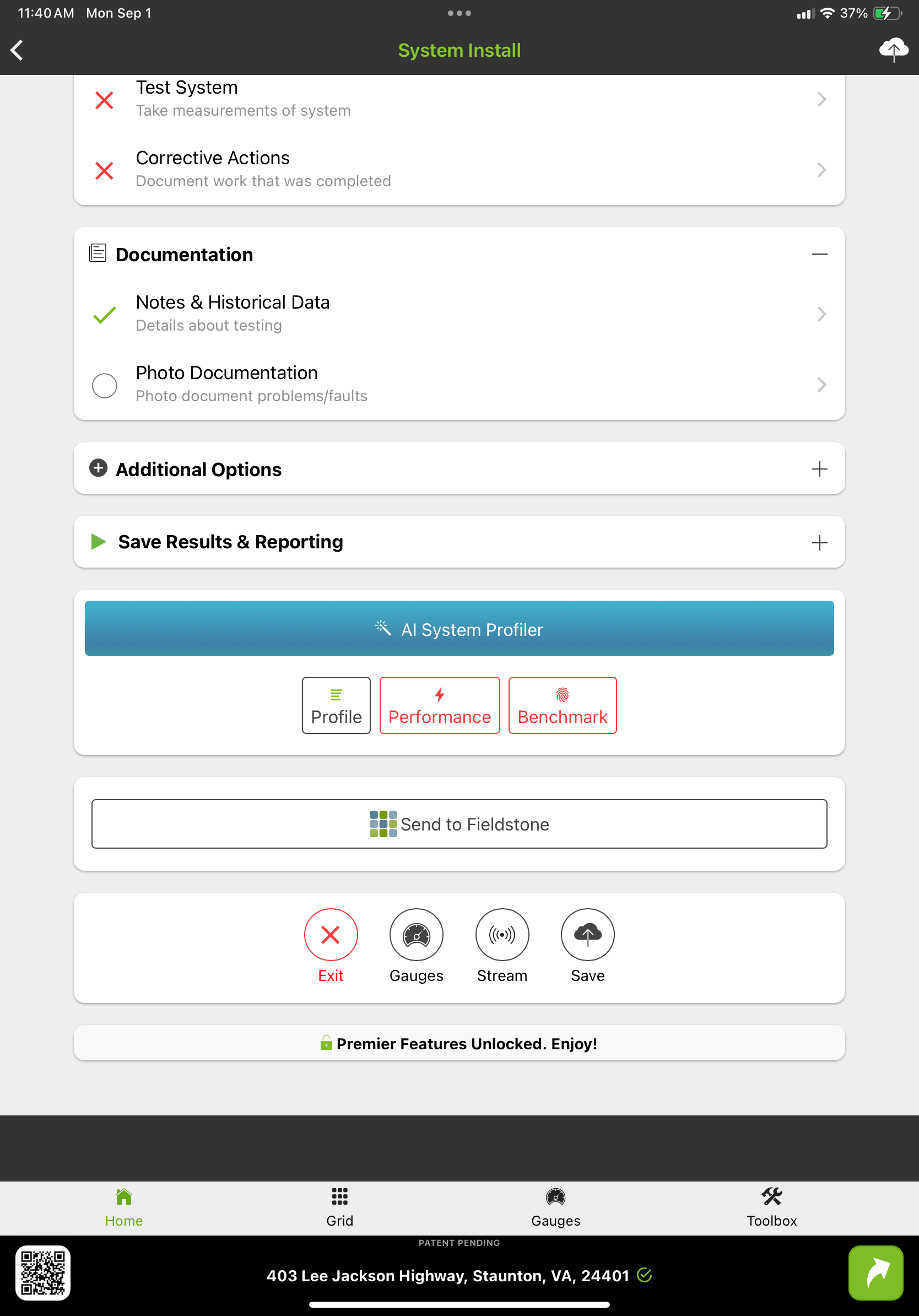
On the measureQuick project page, tap Send to Fieldstone. The active project imports into the Fieldstone app. Send the same project again to update it in Fieldstone.
If there is an active job on the same site as the imported project, Fieldstone links the measureQuick project to that job.
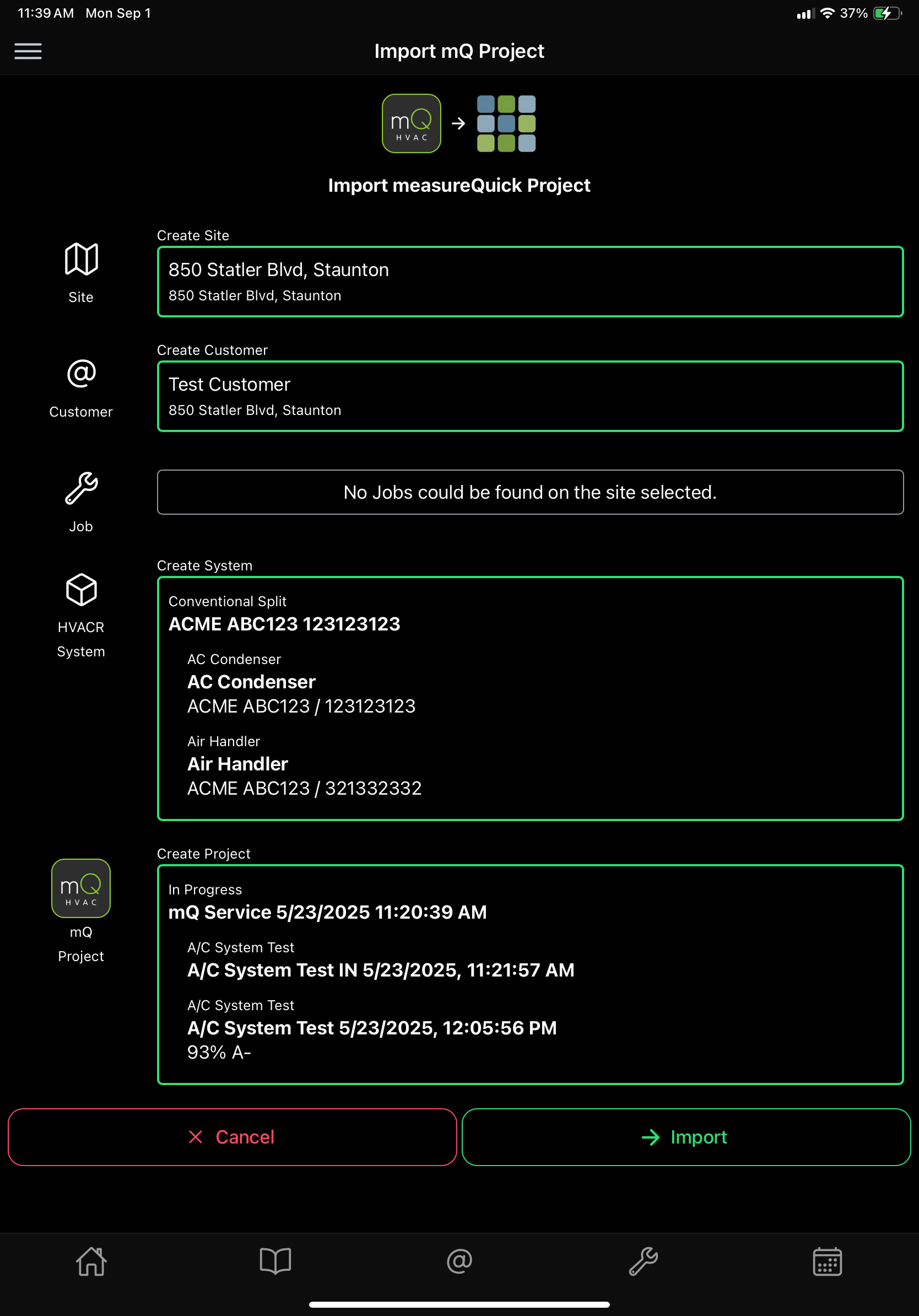
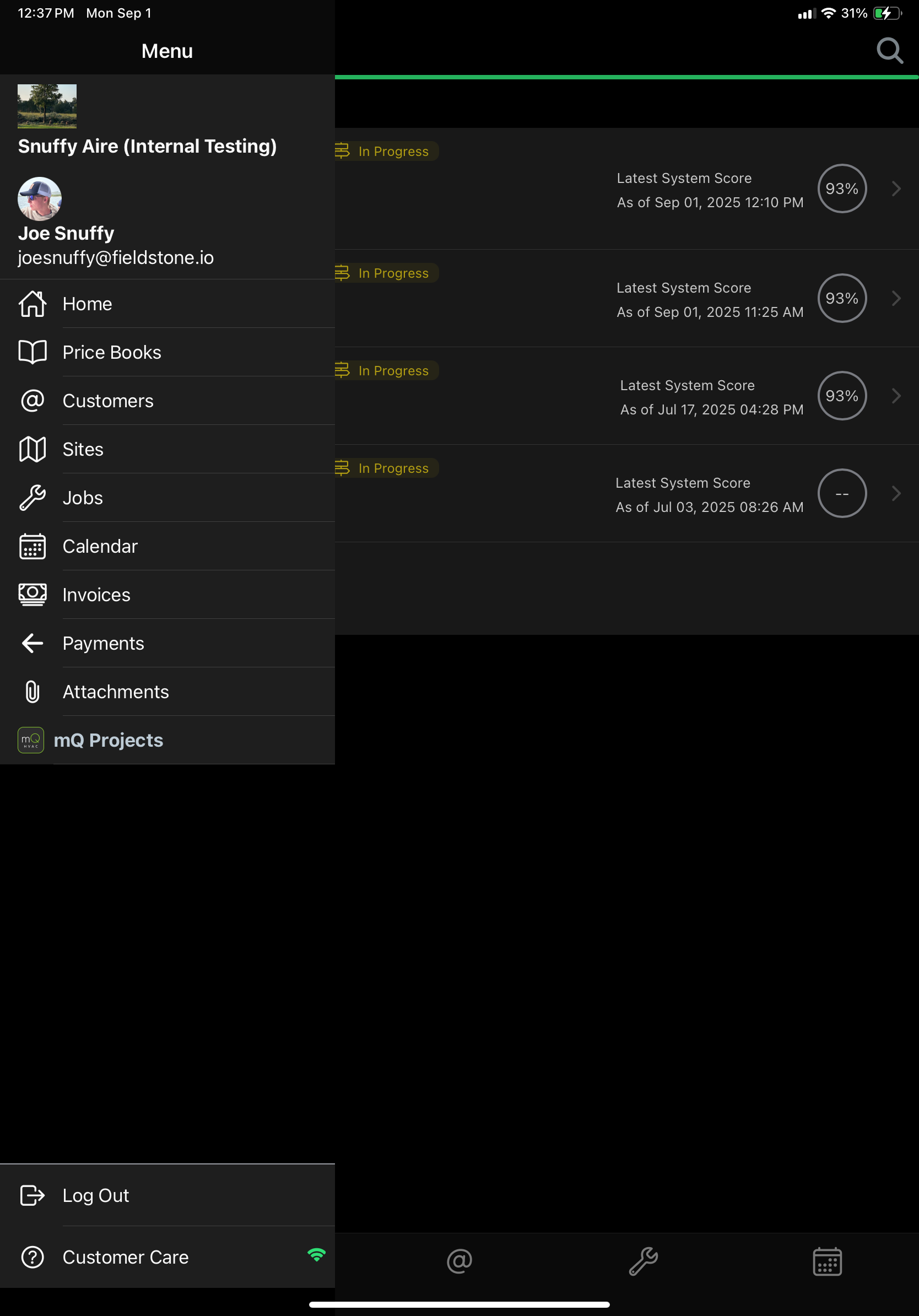
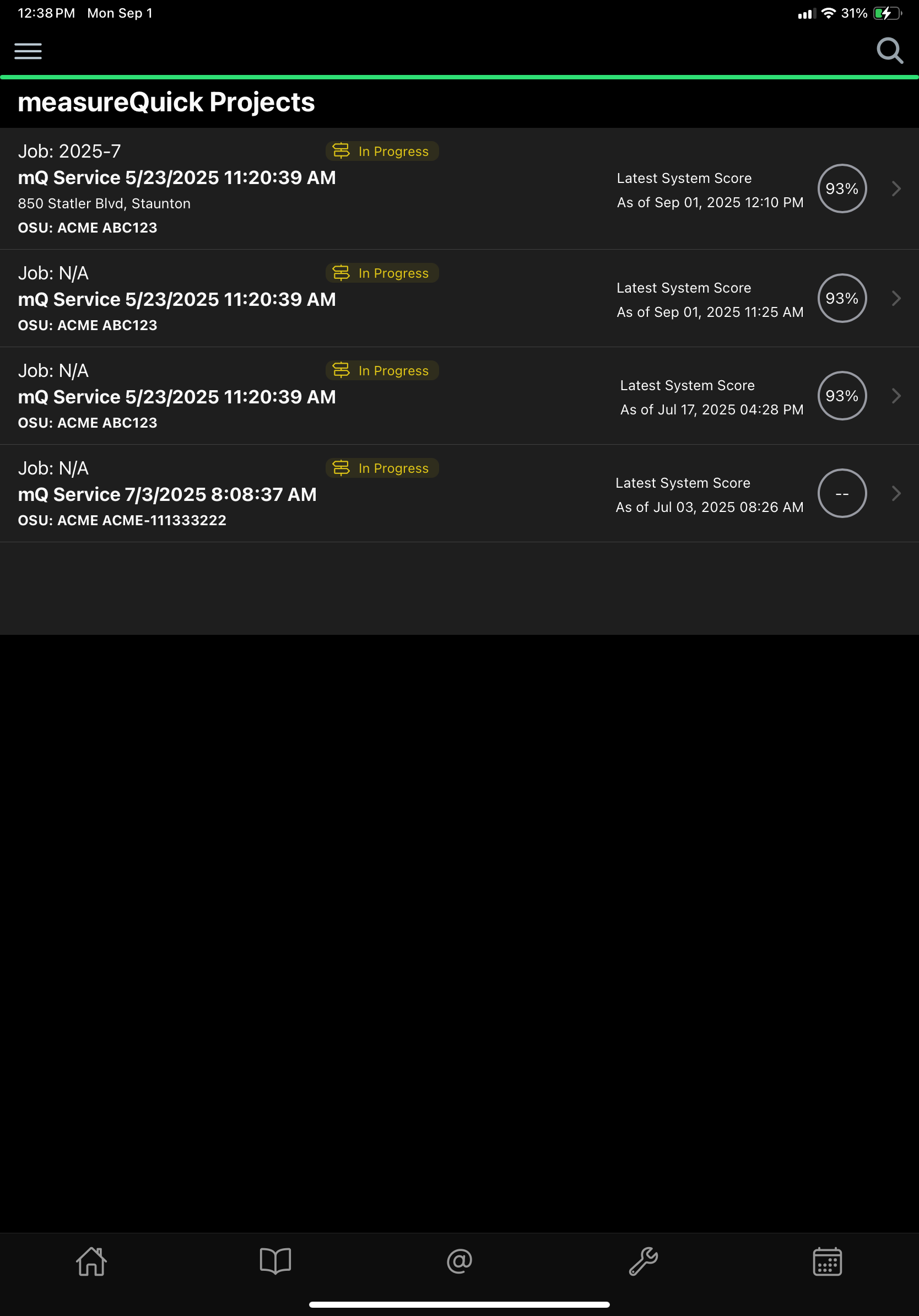
Imported projects appear in a list in Fieldstone. Search to find a project, then tap it to open the details.
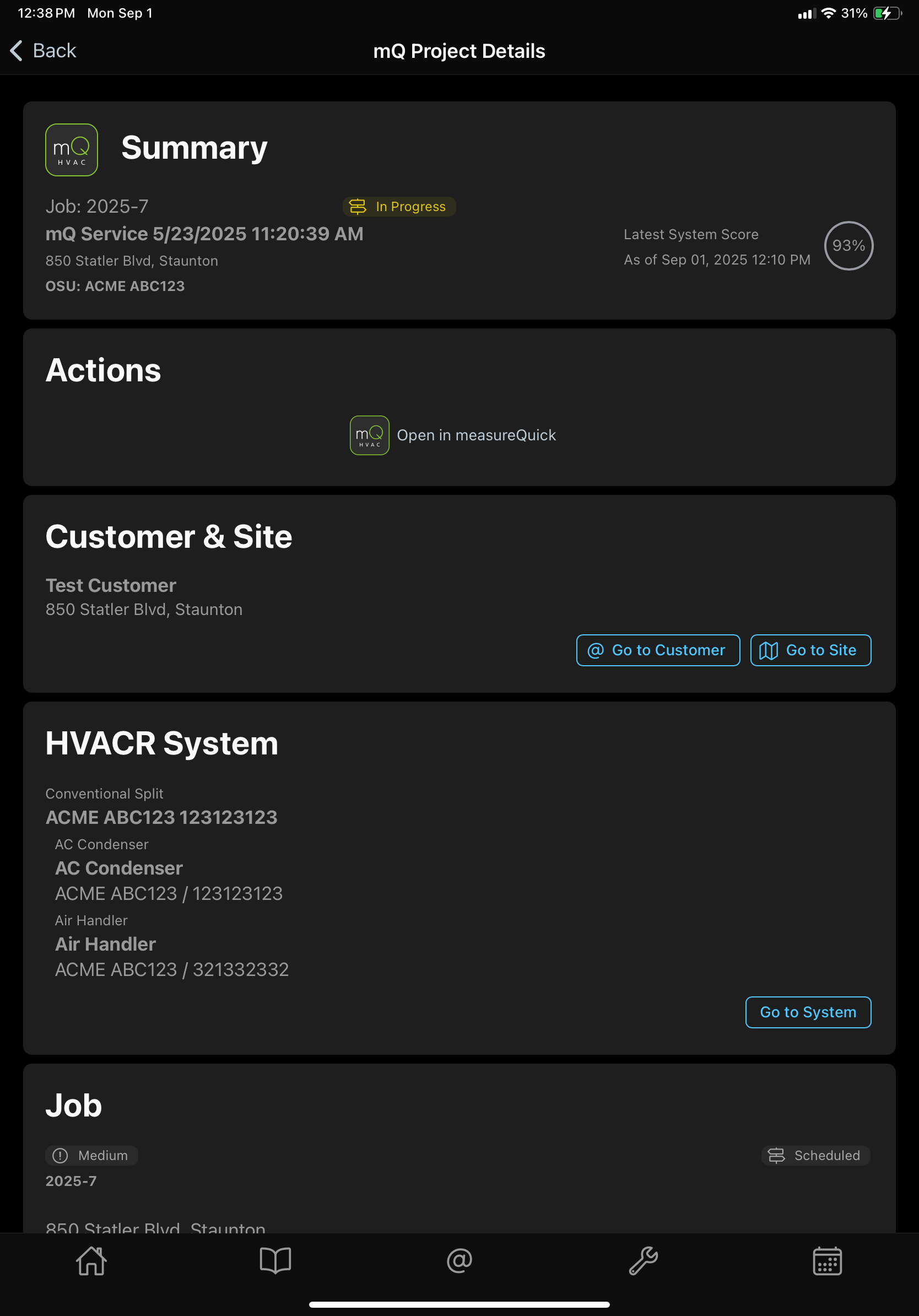
Fieldstone understands a lot about a measureQuick project and shows the details your team needs on the job.
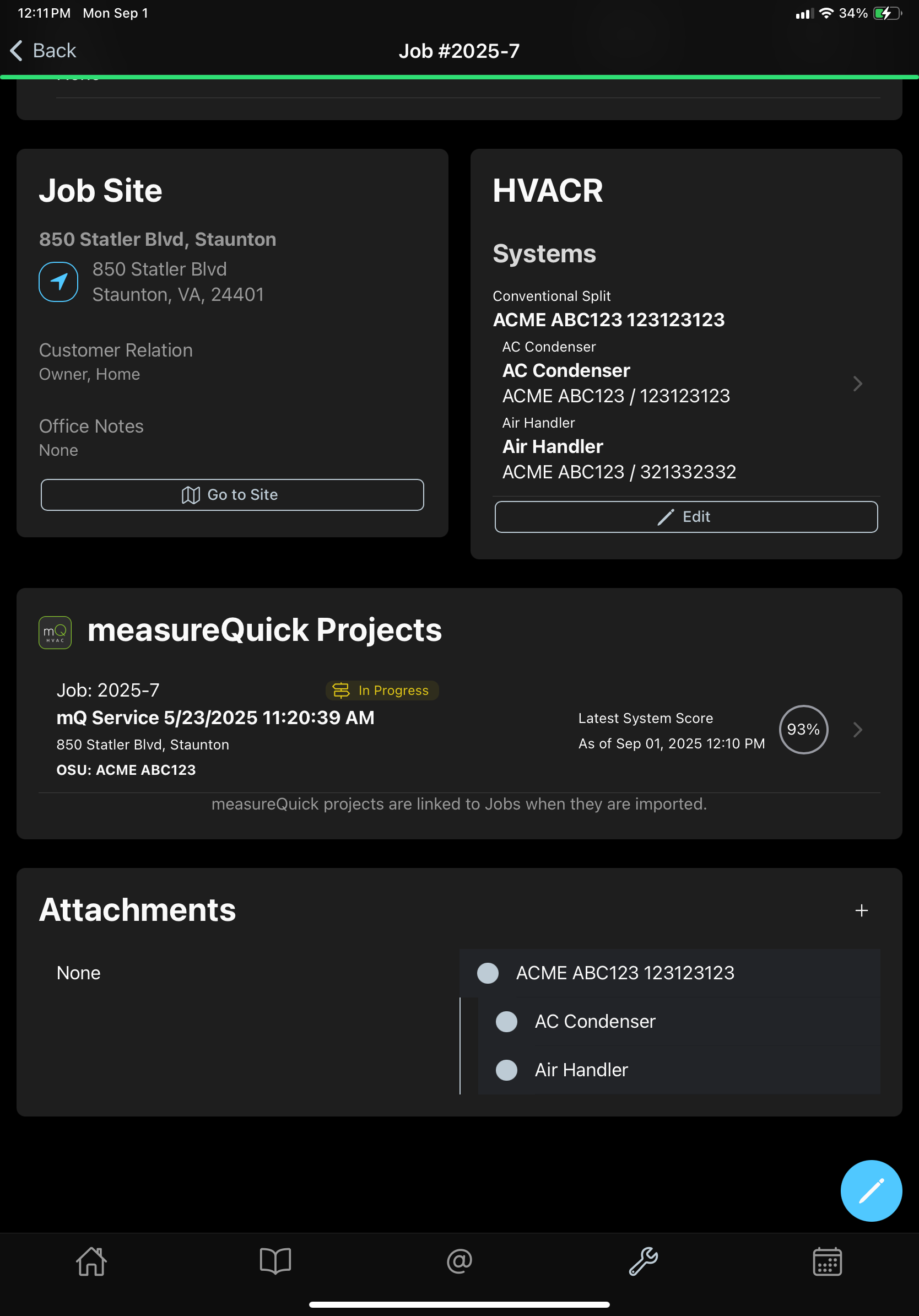
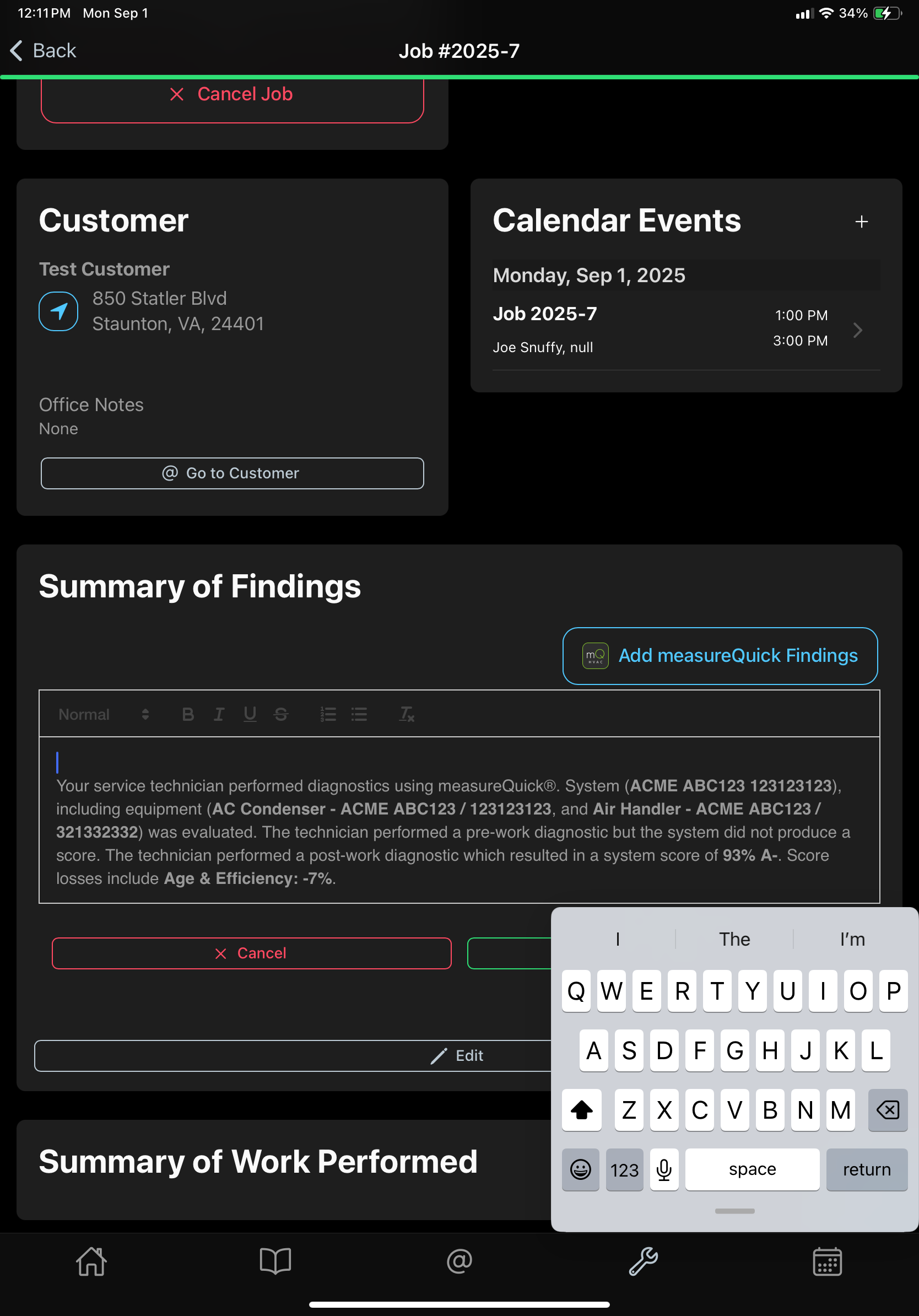
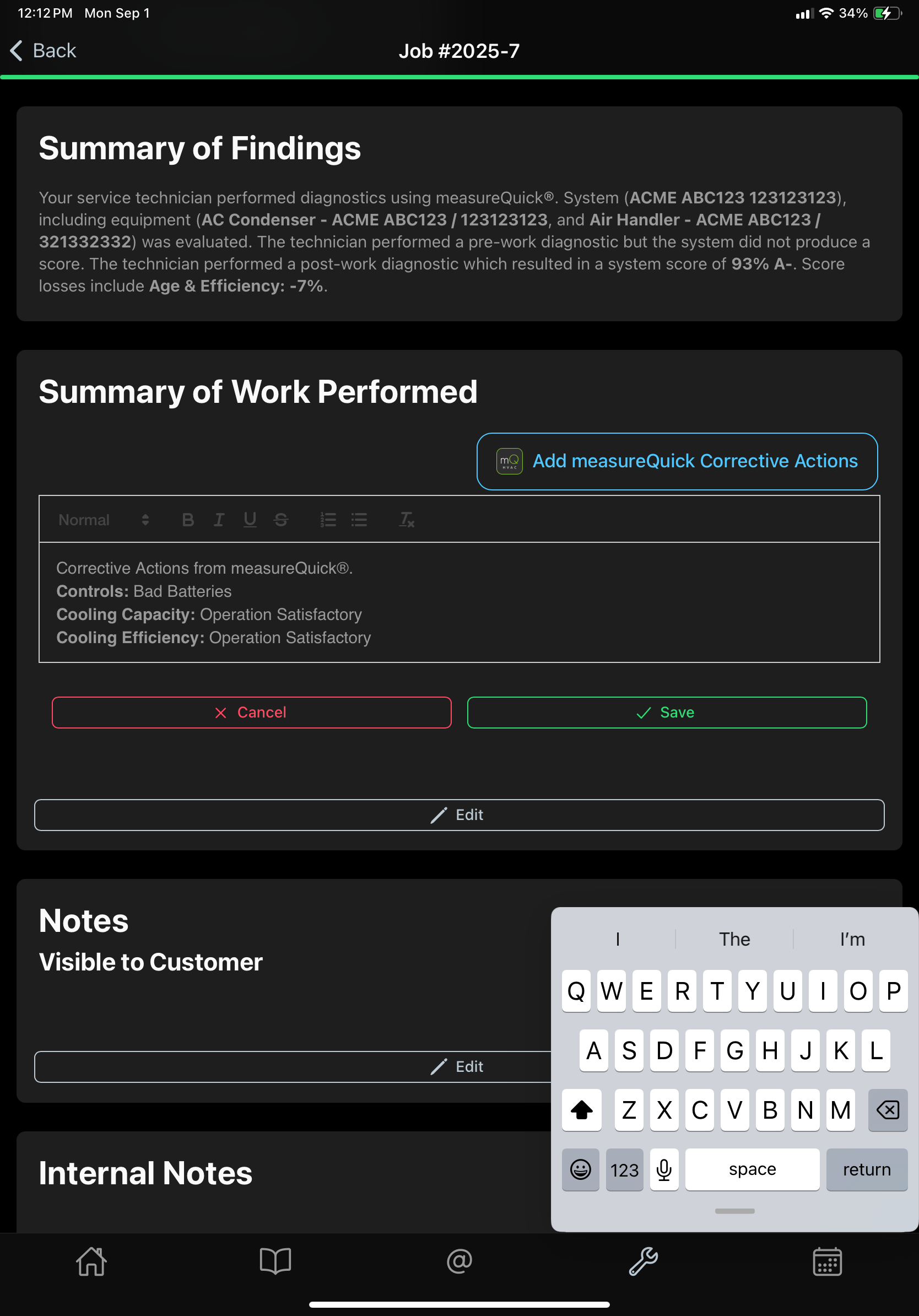
When a measureQuick project is linked to a job, you see its information on the job. You also get buttons to add findings and work-performed summary text automatically.
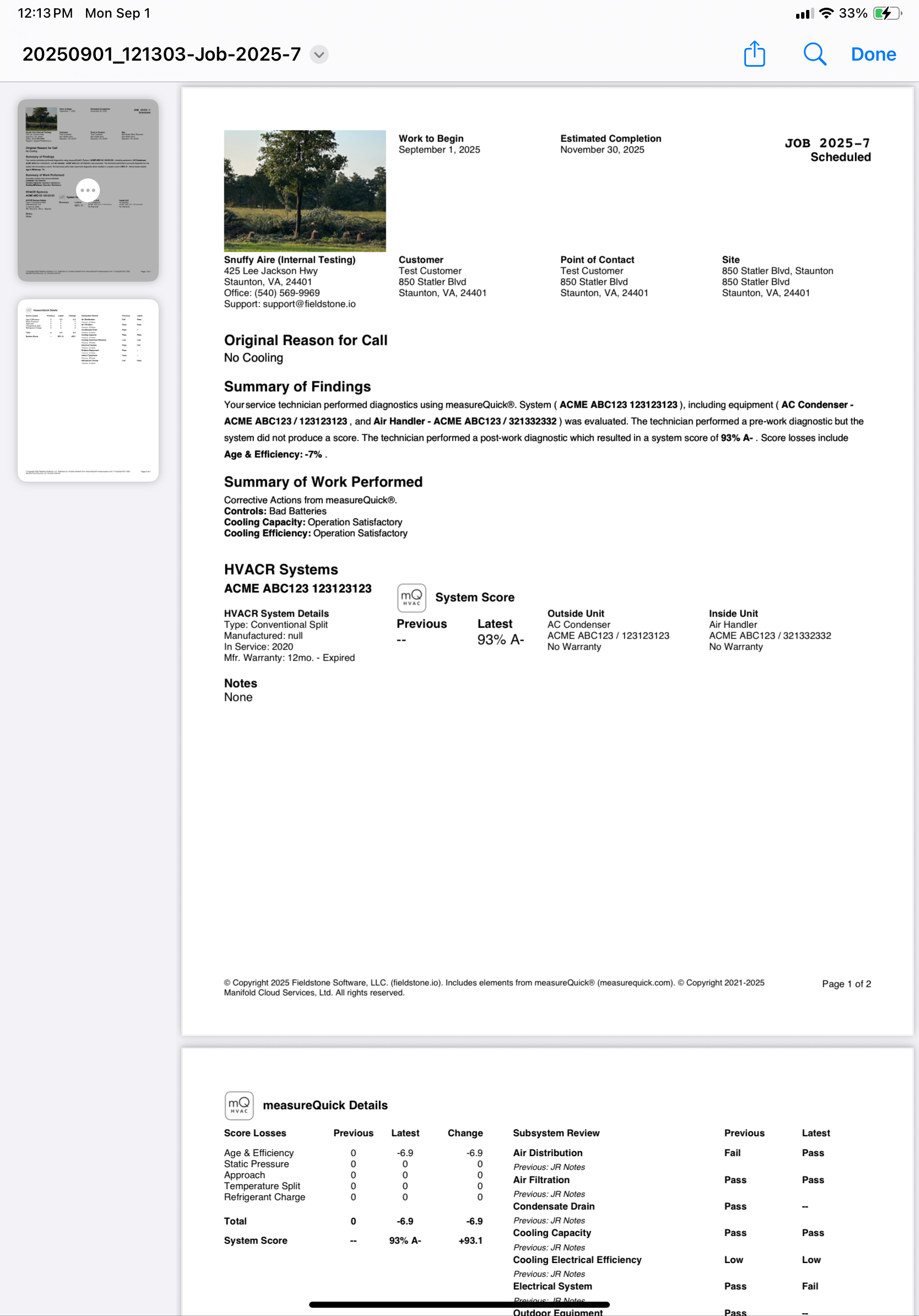
Linked measureQuick project details are included automatically on the job PDF report. The report version is written for homeowners and leaves out the more technical project details.
Want measureQuick results on every Fieldstone job?
